A Safari extension for iPhone that copies the whole text of a web page in one tap.
Everything you need to write about the app is on this page. You are free to use any of these materials, without asking, for the purpose of covering or introducing the app.
Downloads
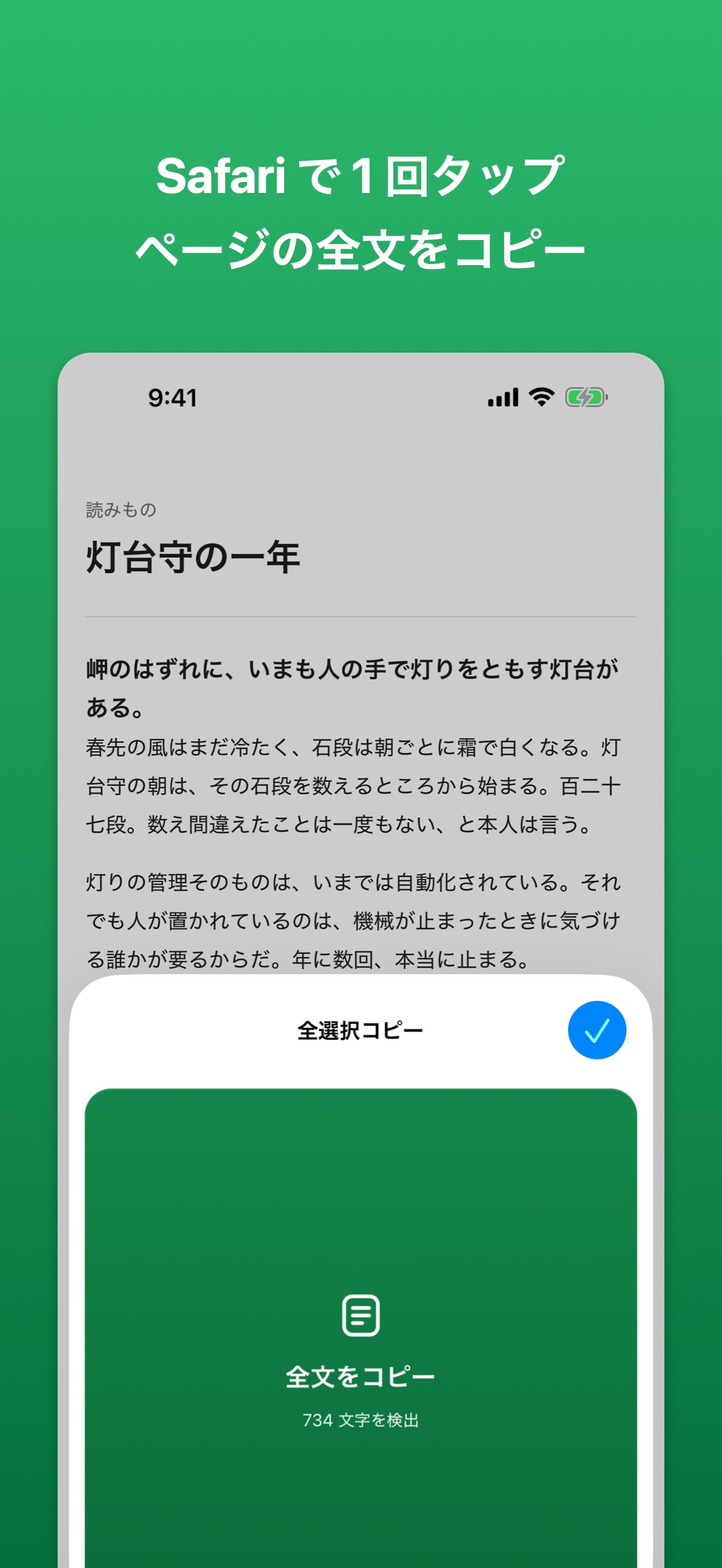
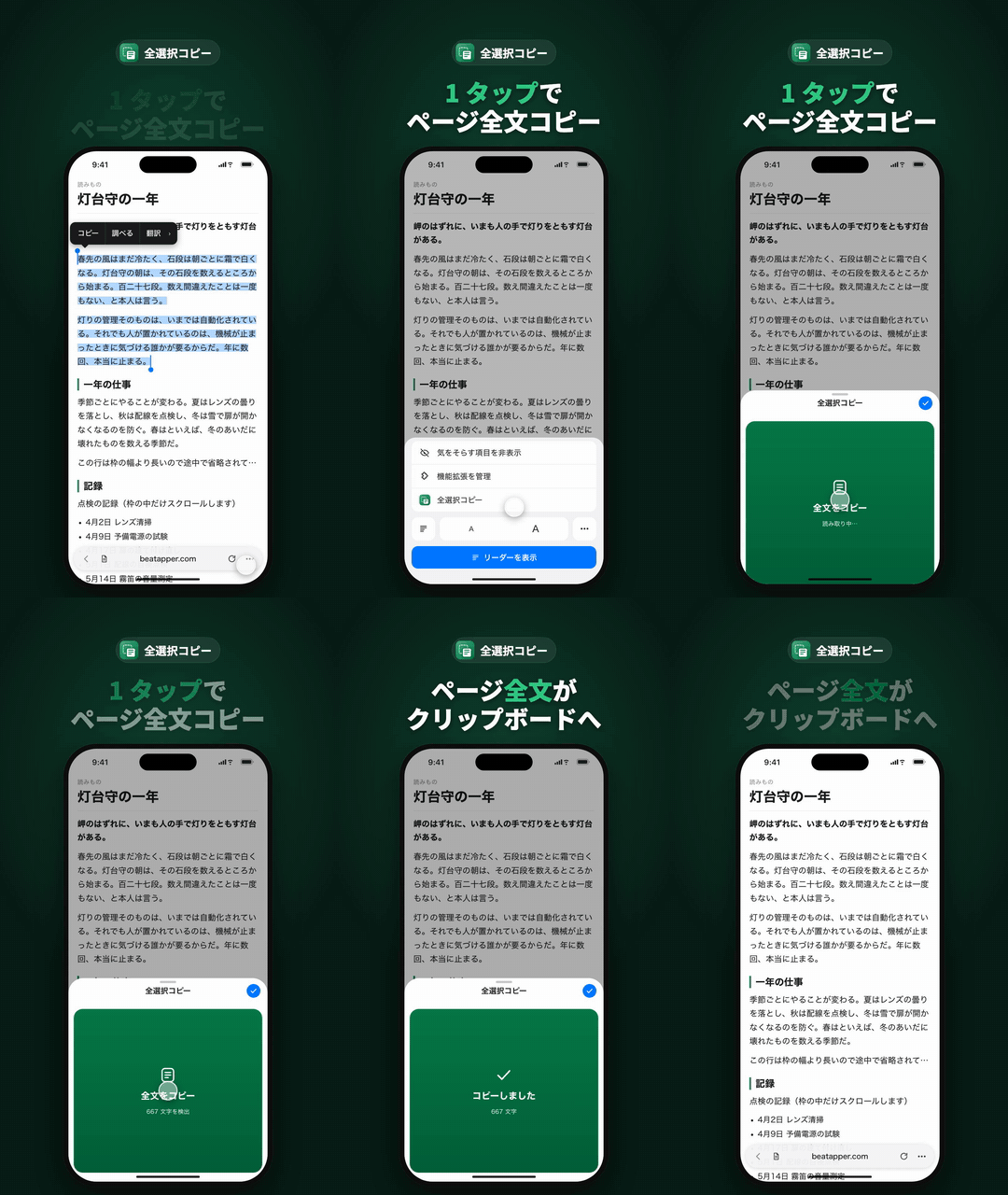
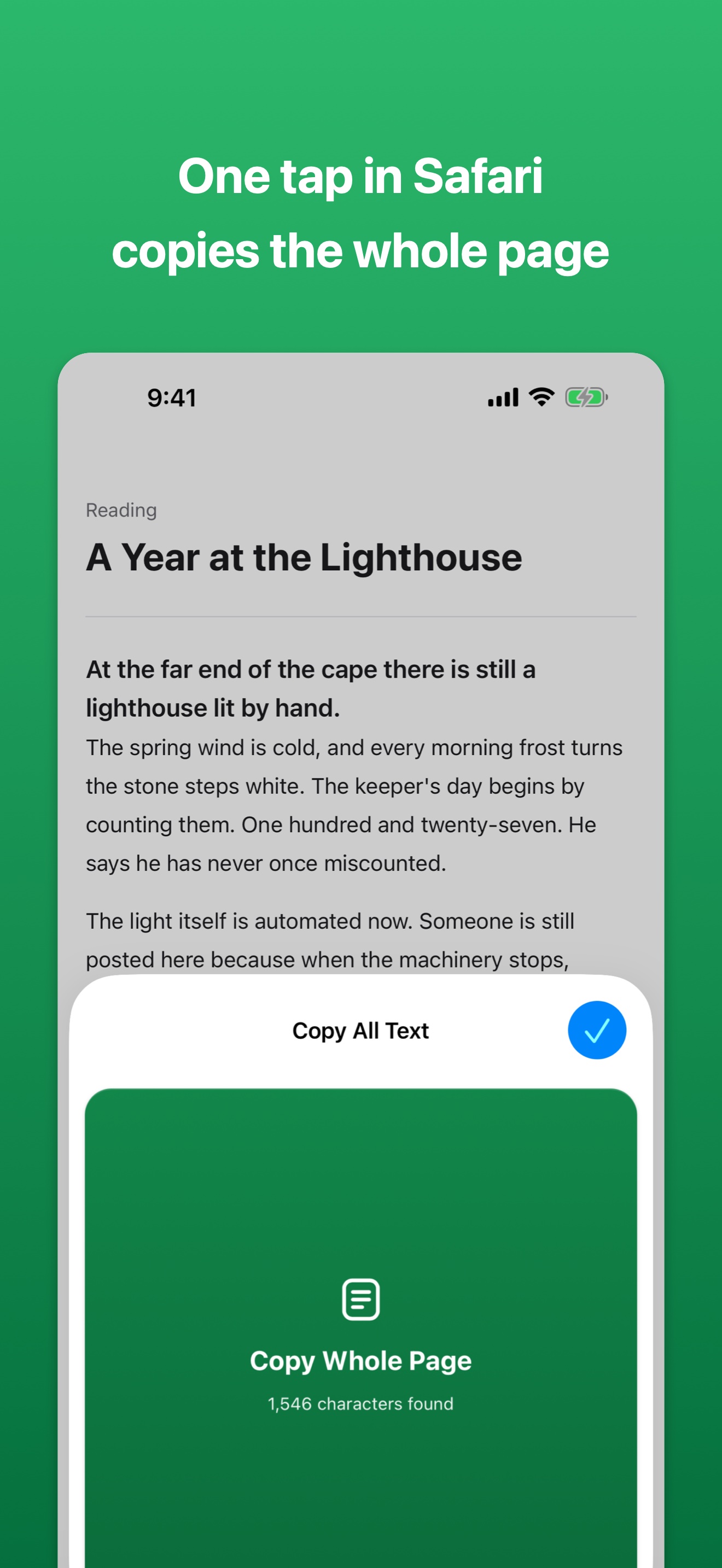
Screens are available in each of the app's languages. Each ZIP contains the key visual, the GIF and the video, plus the full-size App Store screenshots (4 for iPhone, 3 for iPad).
| Language | Key visual | GIF (6 s) | Video (15 s) | Everything |
|---|---|---|---|---|
| Japanese | JPG | GIF | MP4 | ZIP |
| English | JPG | GIF | MP4 | ZIP |
| 简体中文 | JPG | GIF | MP4 | ZIP |
| 繁體中文 | JPG | GIF | MP4 | ZIP |
| 한국어 | JPG | GIF | MP4 | ZIP |
| Español | JPG | GIF | MP4 | ZIP |
| Português (Brasil) | JPG | GIF | MP4 | ZIP |
| Deutsch | JPG | GIF | MP4 | ZIP |
| Français | JPG | GIF | MP4 | ZIP |
| हिन्दी | JPG | GIF | MP4 | ZIP |
| Bahasa Indonesia | JPG | GIF | MP4 | ZIP |
Fact sheet
- Name
- Copy All Text (original Japanese name: 全選択コピー). The name is localized in each language, e.g. 全選拷貝 / 전체 선택 복사 / Alles kopieren
- Type
- Safari extension for iPhone and iPad
- Requires
- iOS 18.0 or later, iPadOS 18.0 or later
- Released
- August 24, 2026 (current version 1.3)
- Price
- $1.99 / 1,99 € / ¥300. One-time purchase — no in-app purchases, no subscription, no ads
- Languages
- 11 — Japanese, English, Simplified Chinese, Traditional Chinese, Korean, Spanish, Portuguese (Brazil), German, French, Hindi, Indonesian
- Data collection
- None. The app has no networking code; the text it reads never leaves the device
- Developer
- beatApper, a solo developer in Japan. The developer name shown on the App Store is Twispace
- App Store
- https://apps.apple.com/app/id6802140112
About
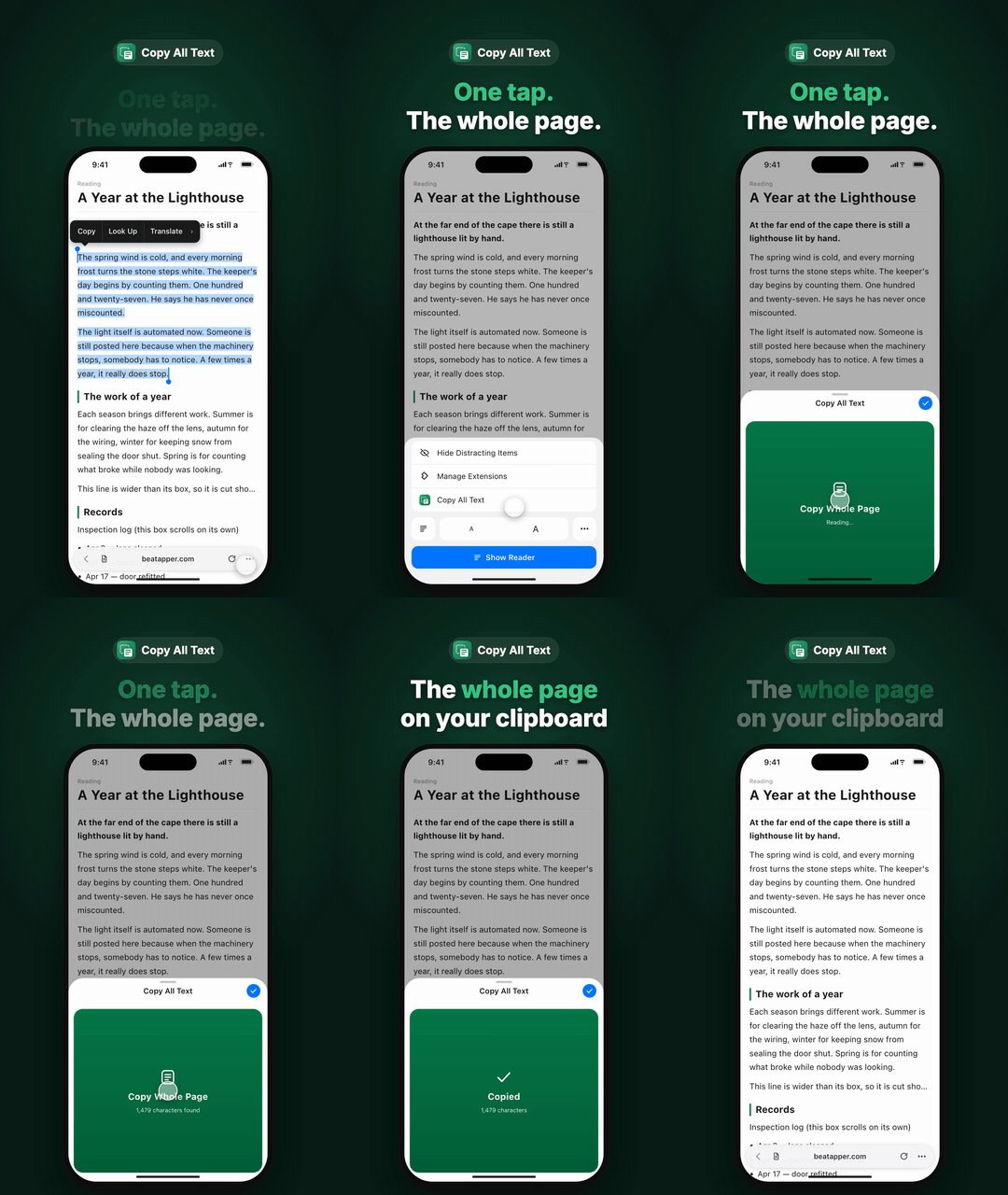
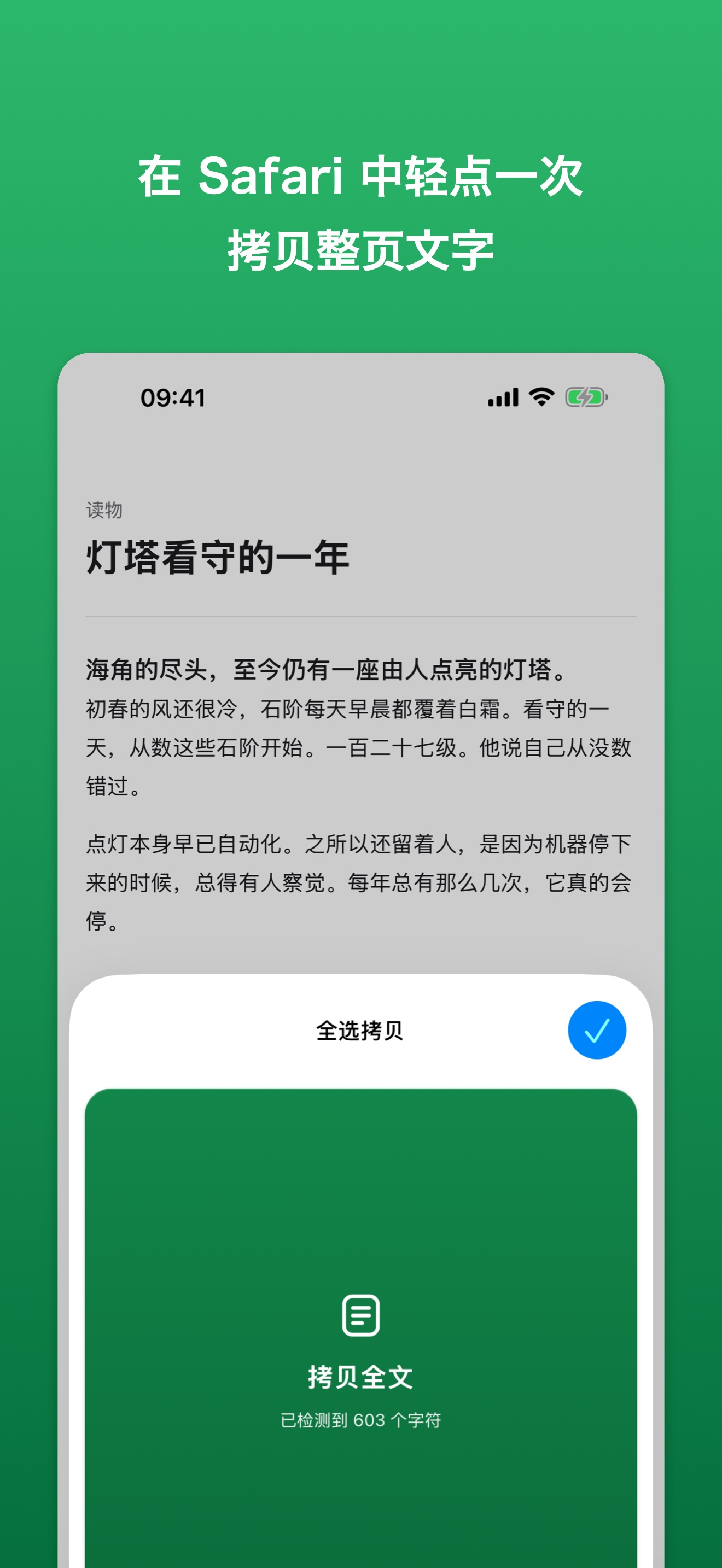
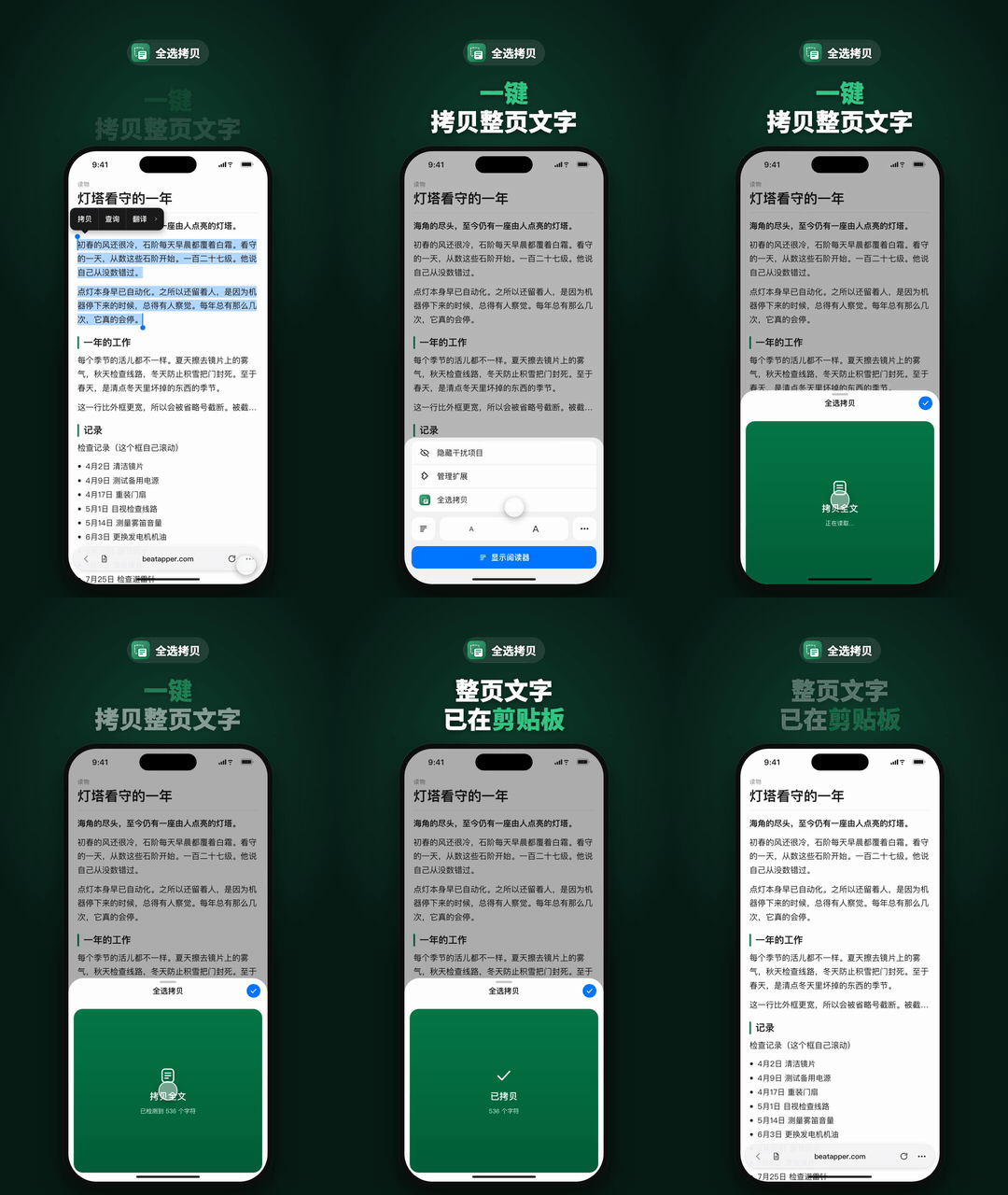
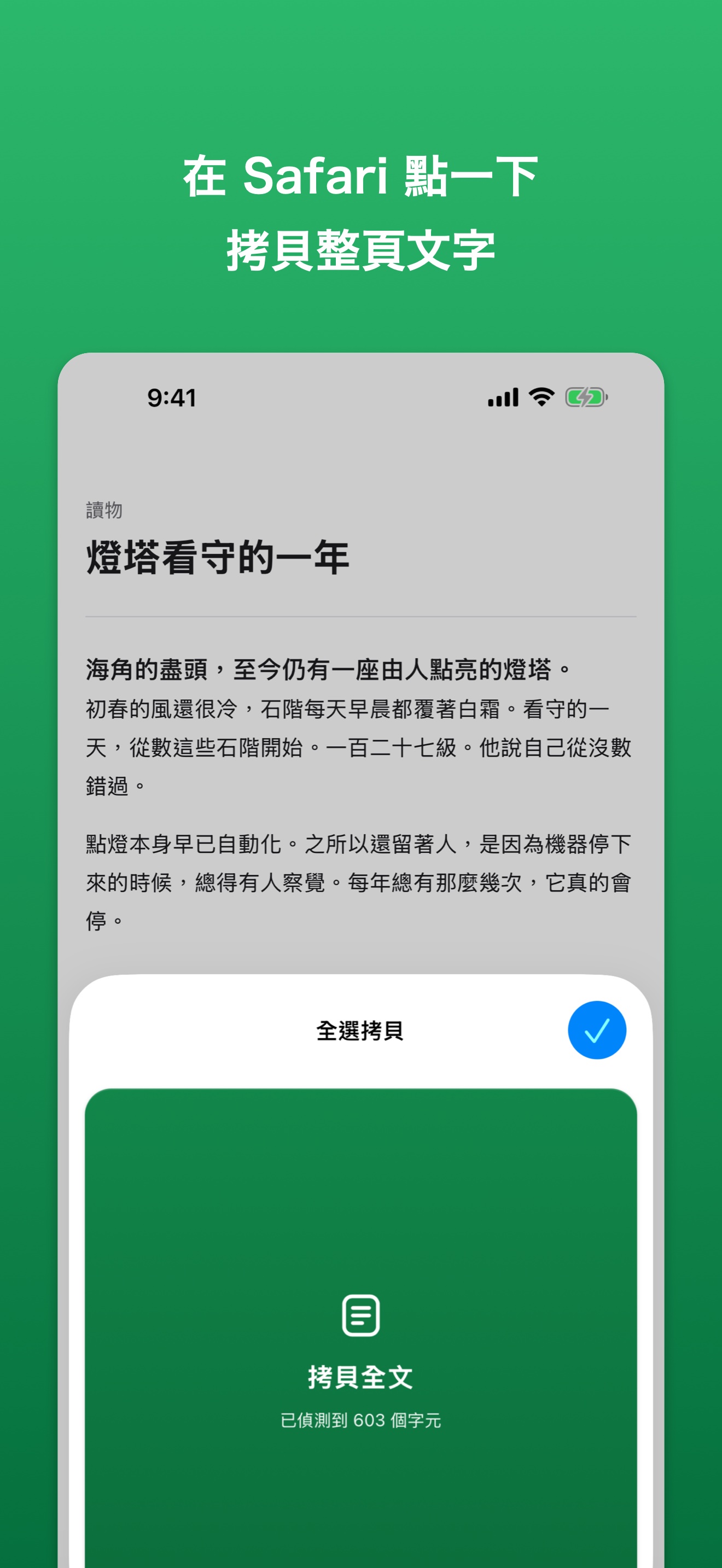
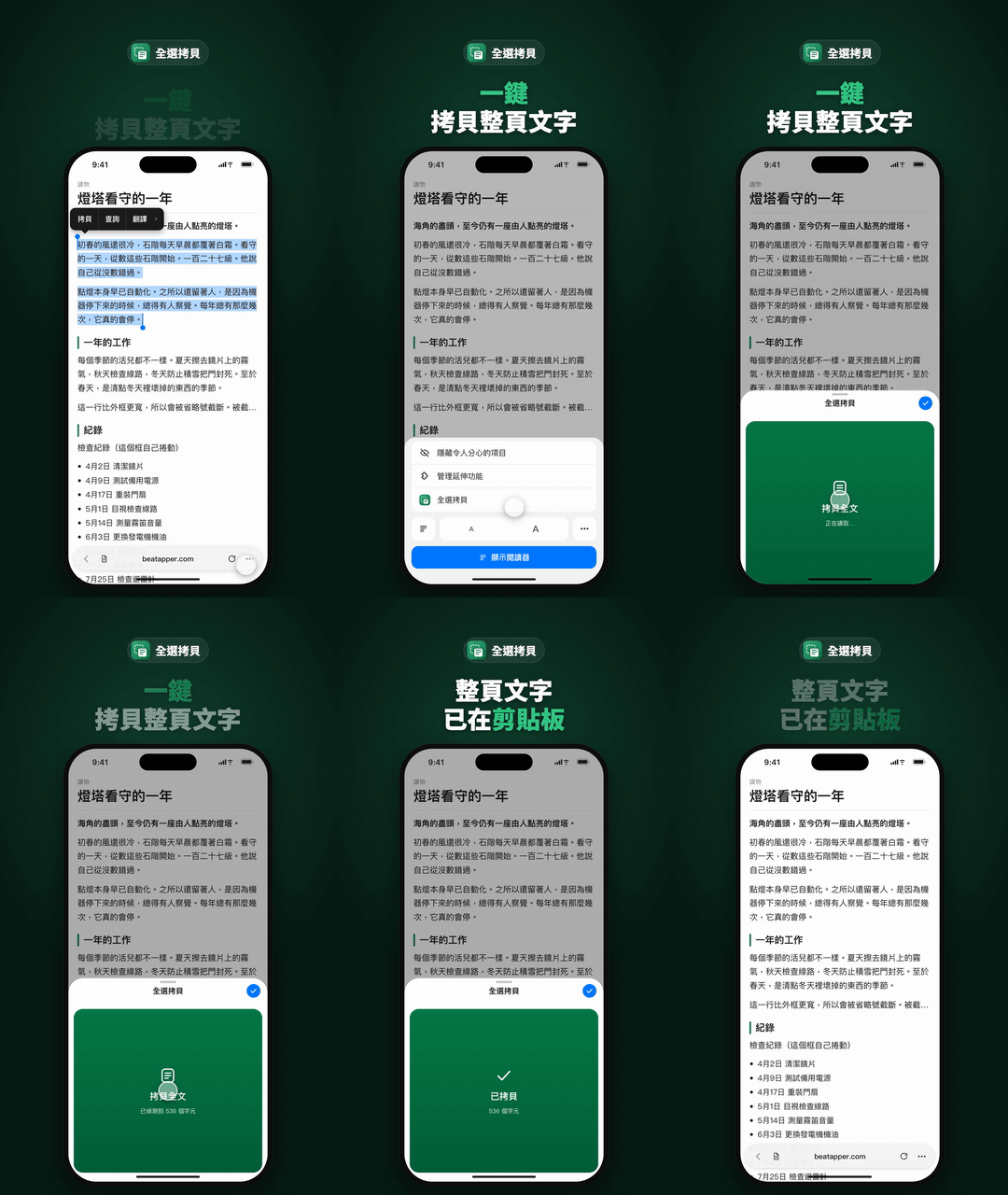
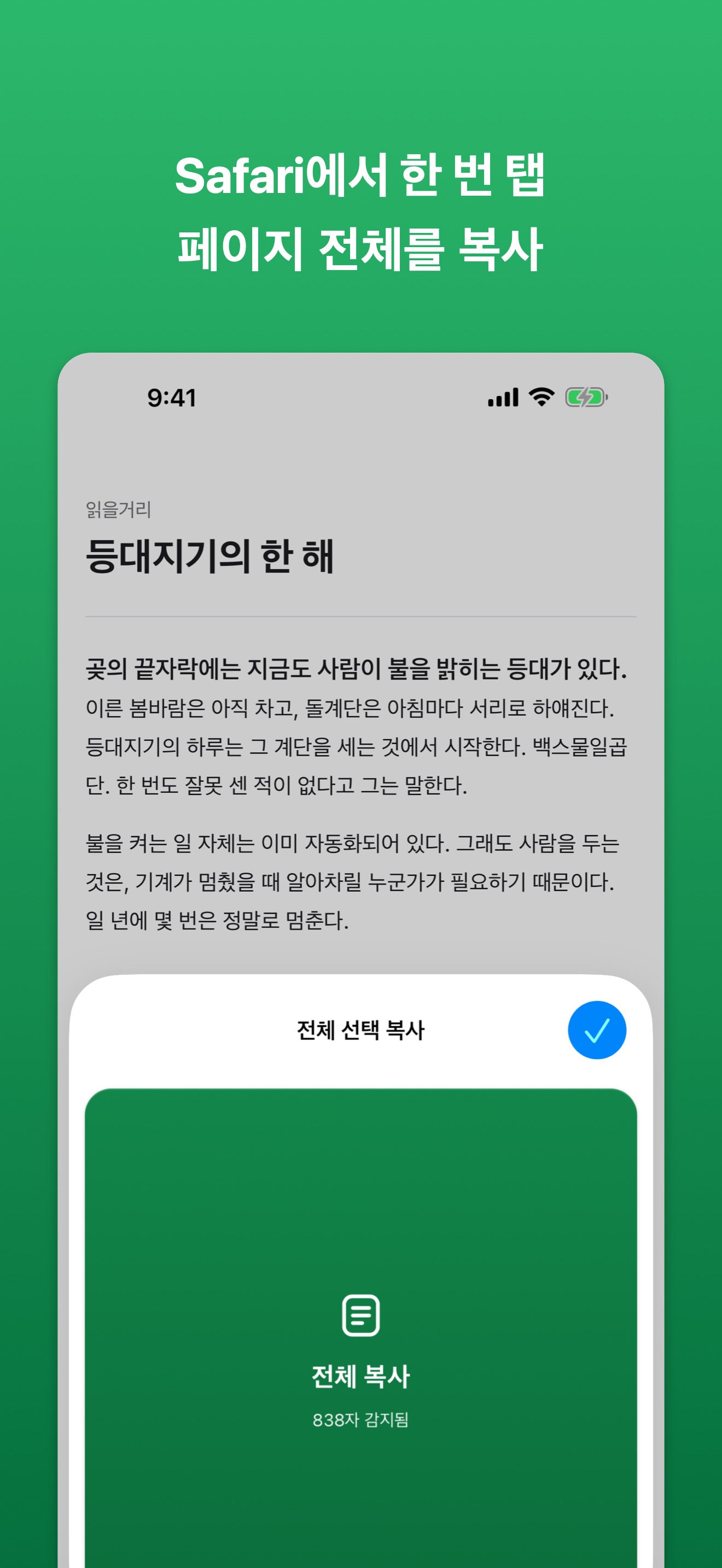
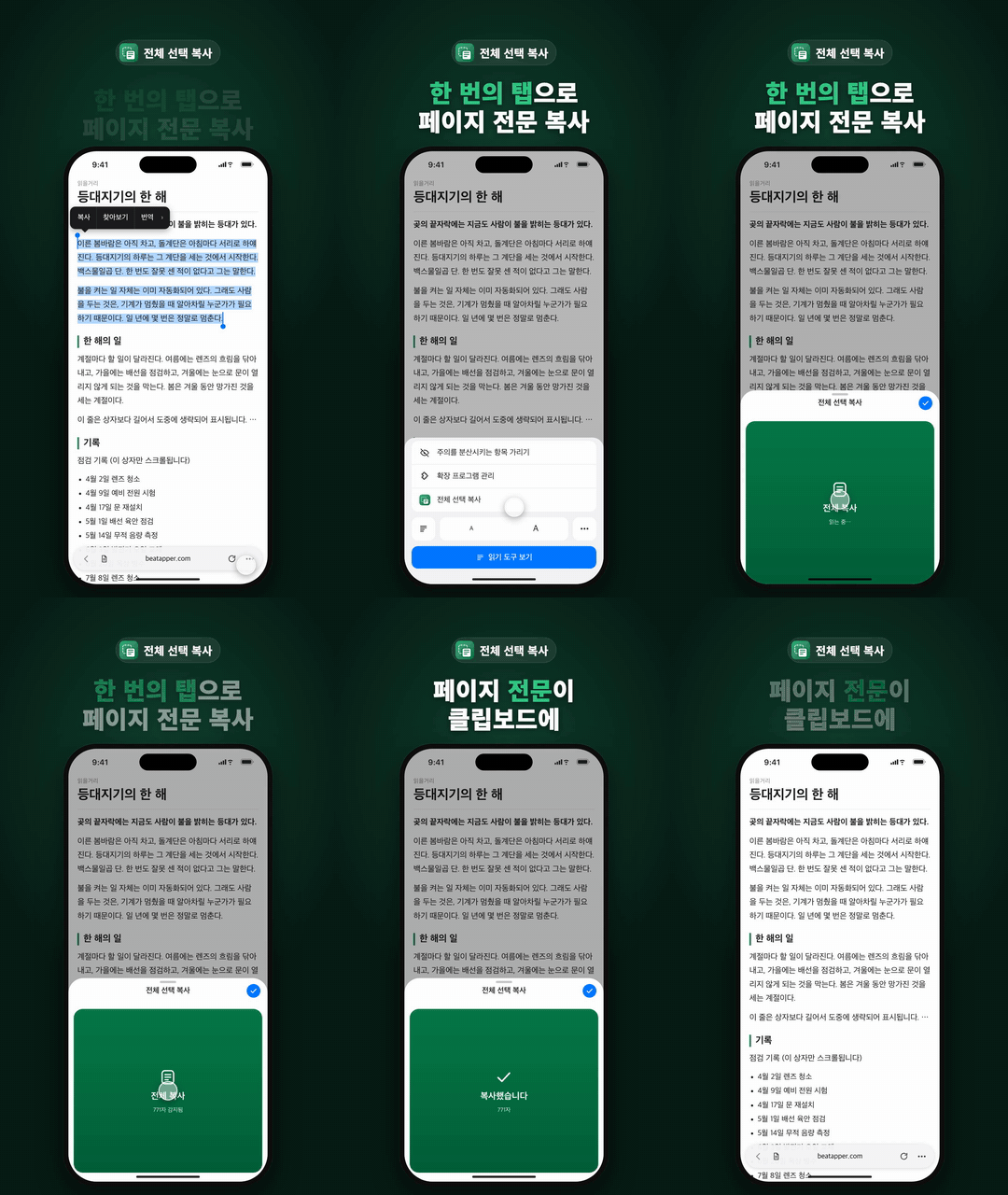
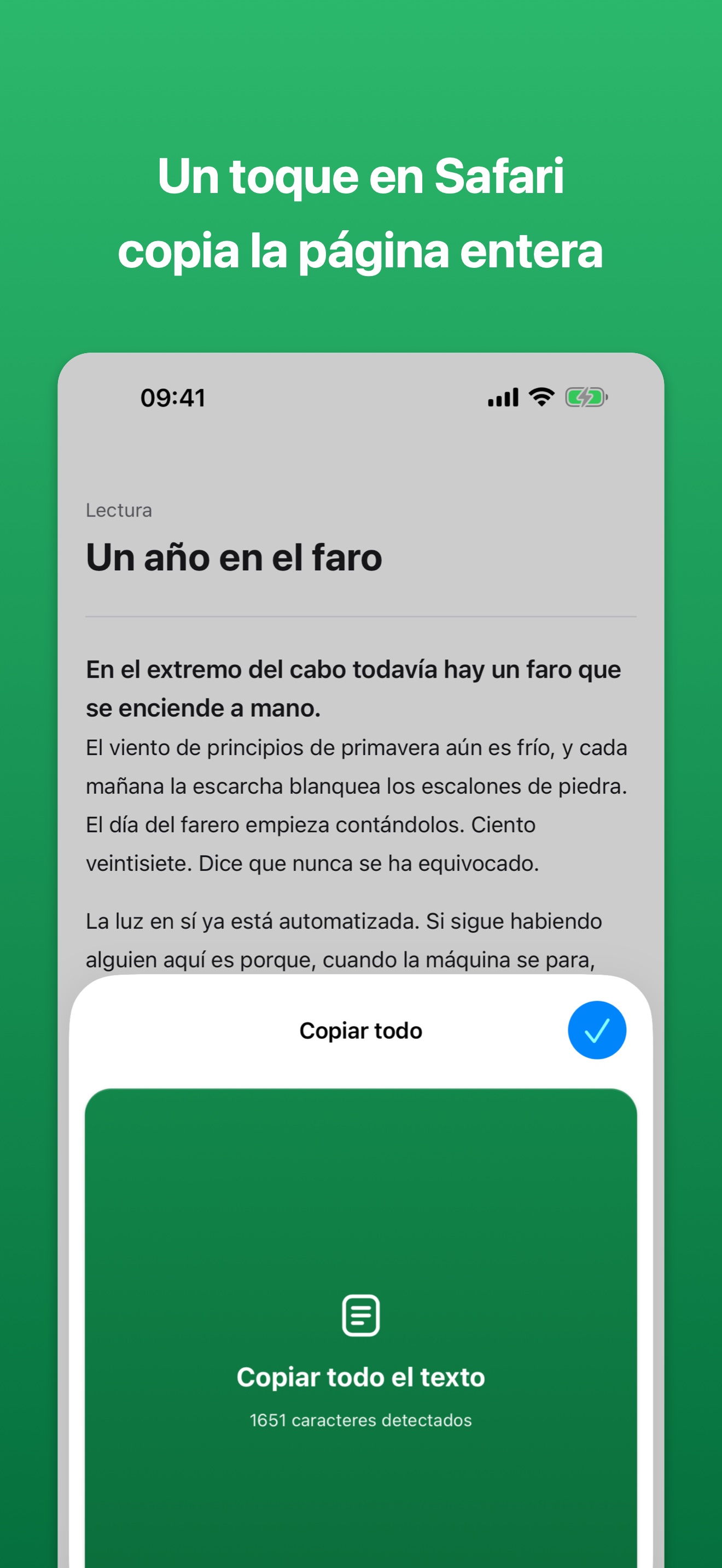
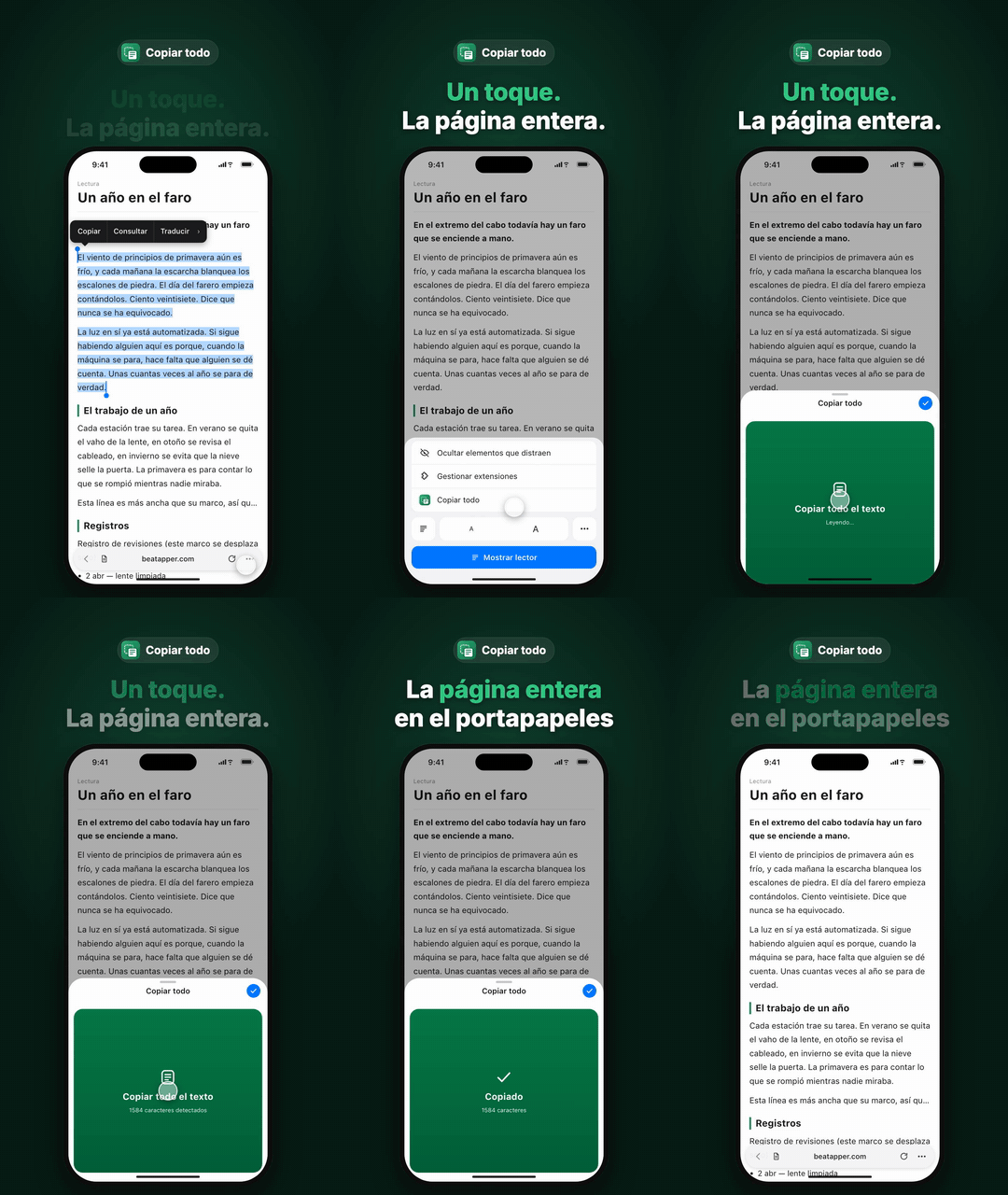
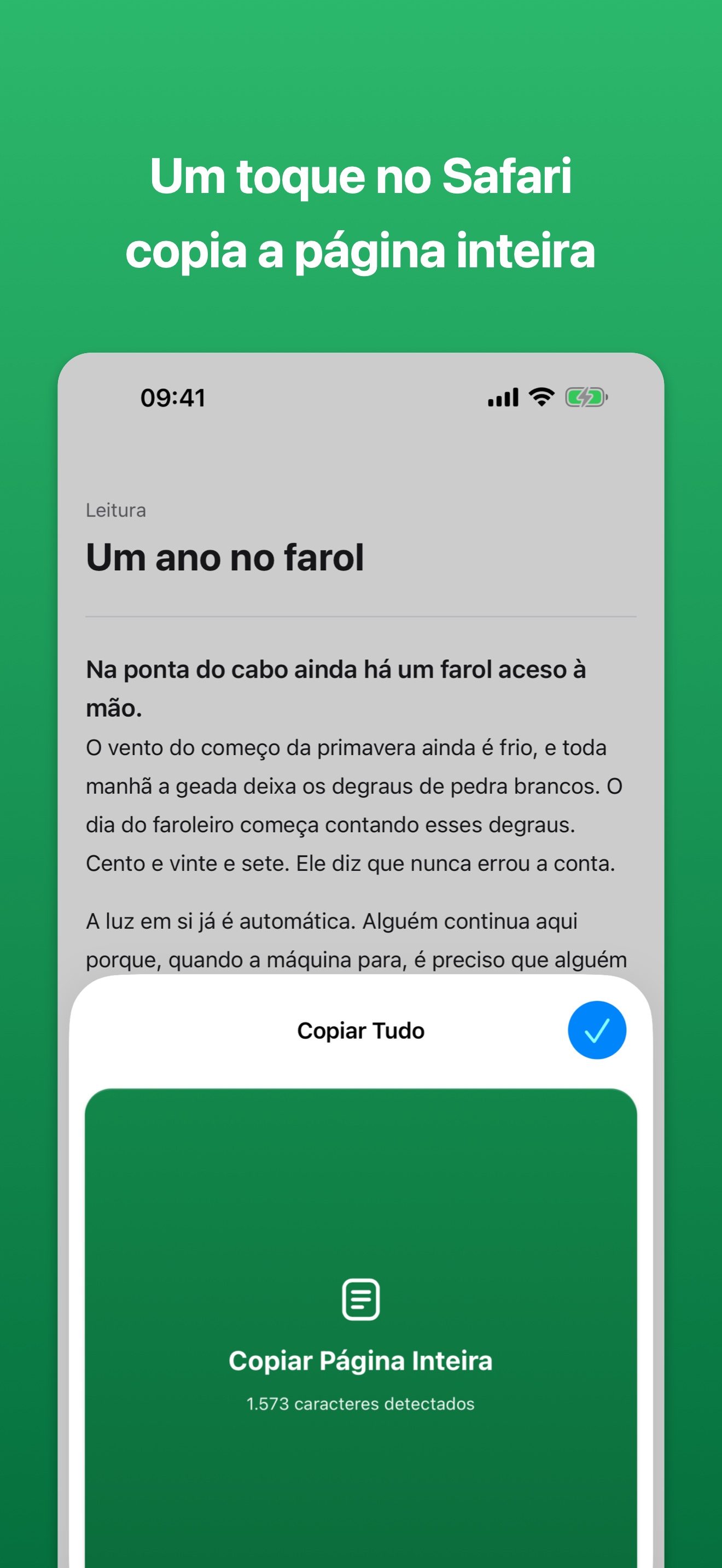
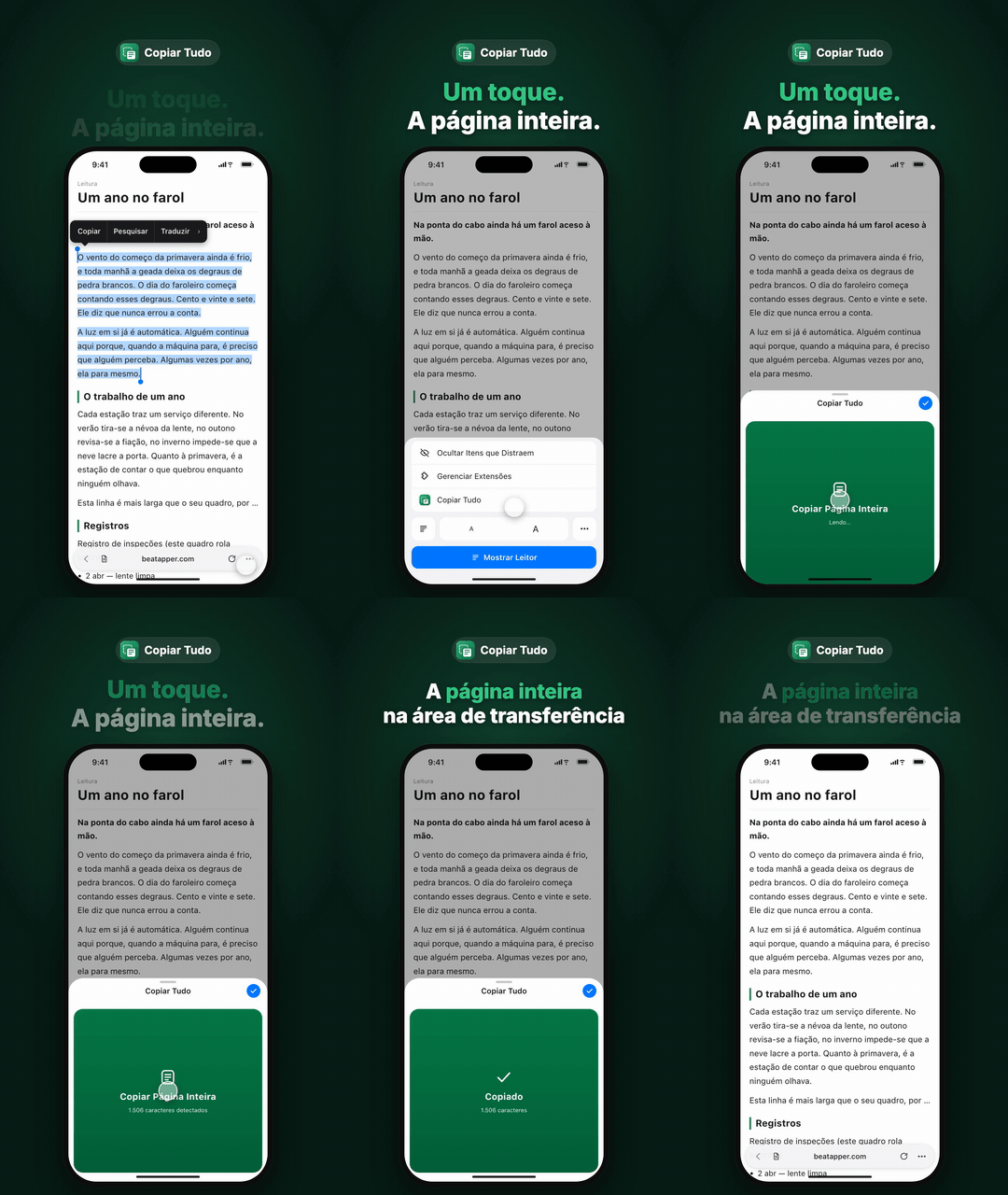
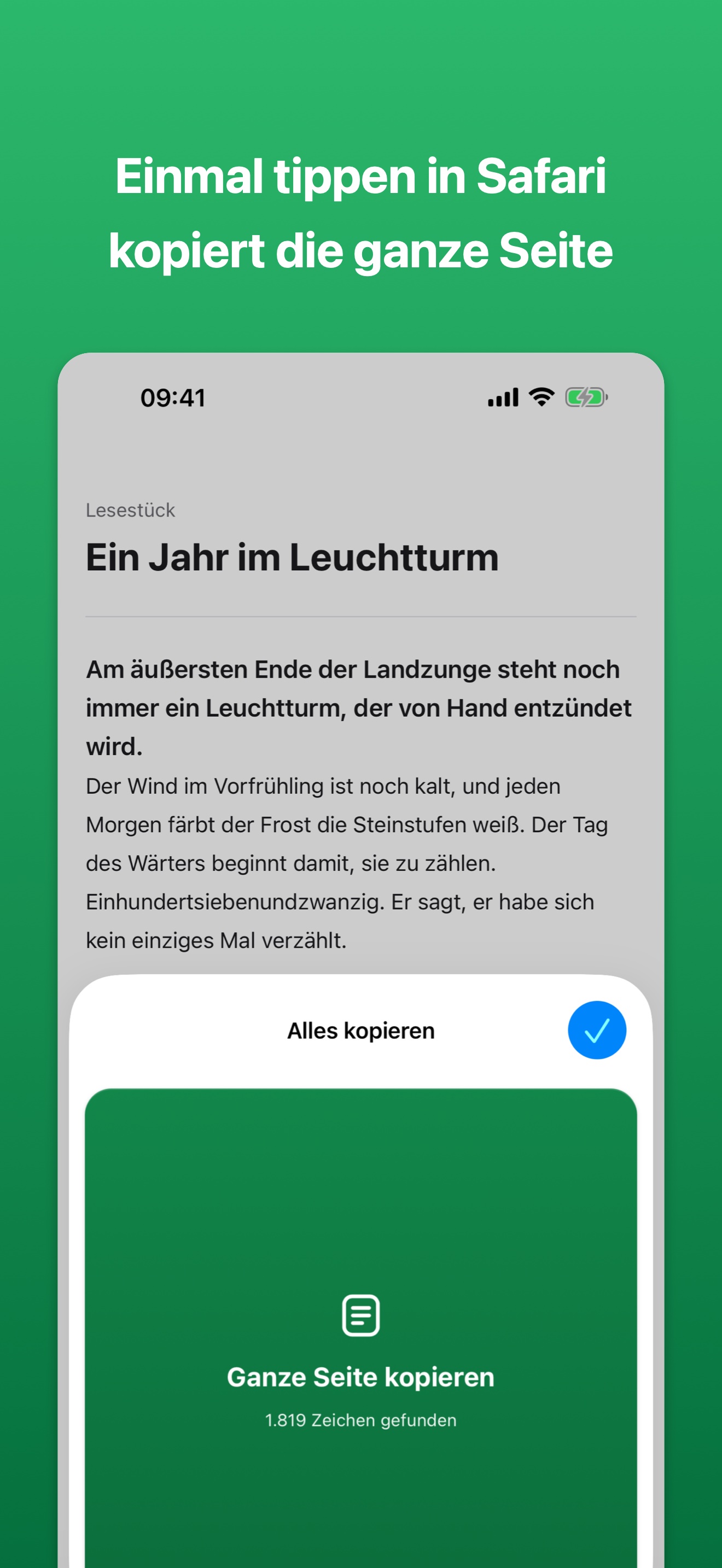
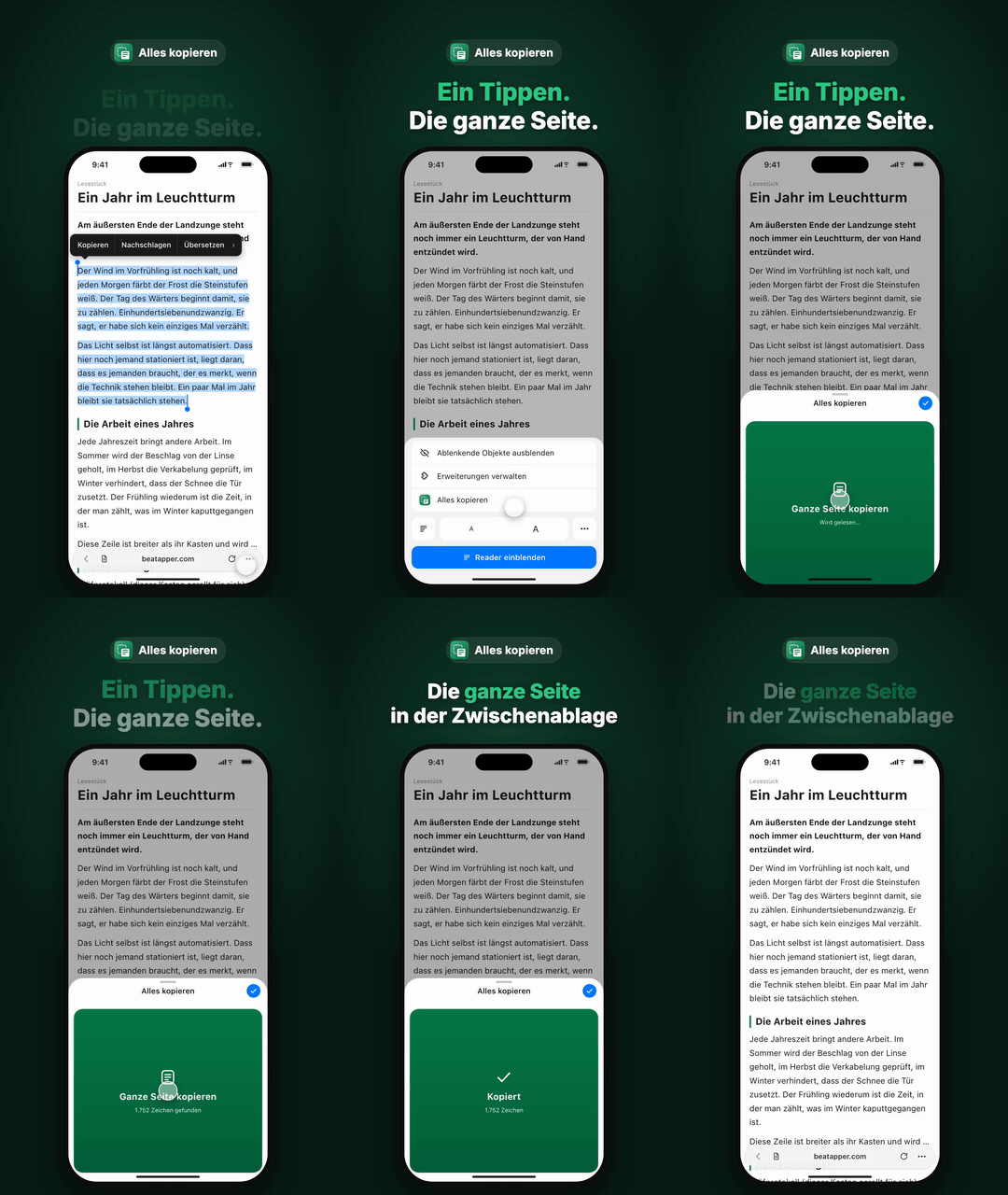
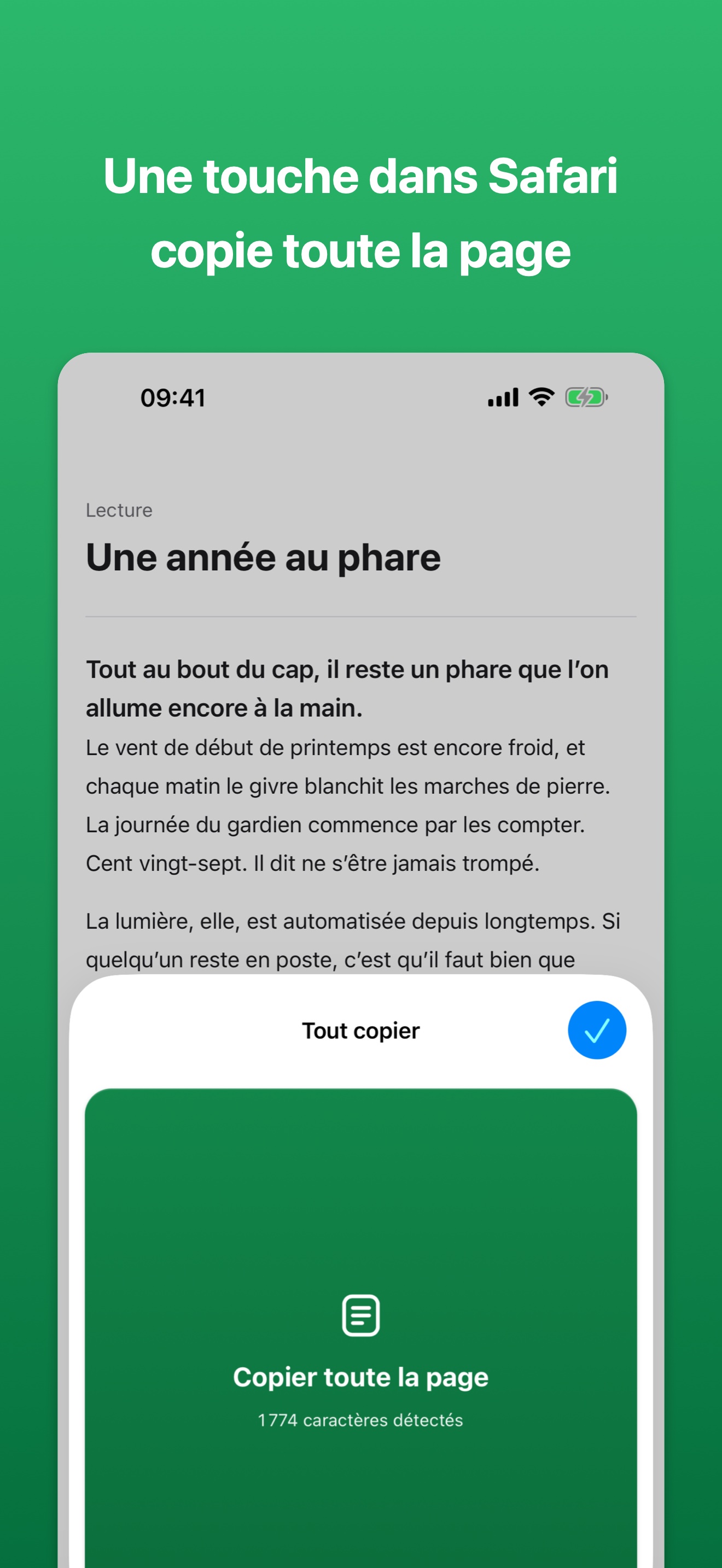
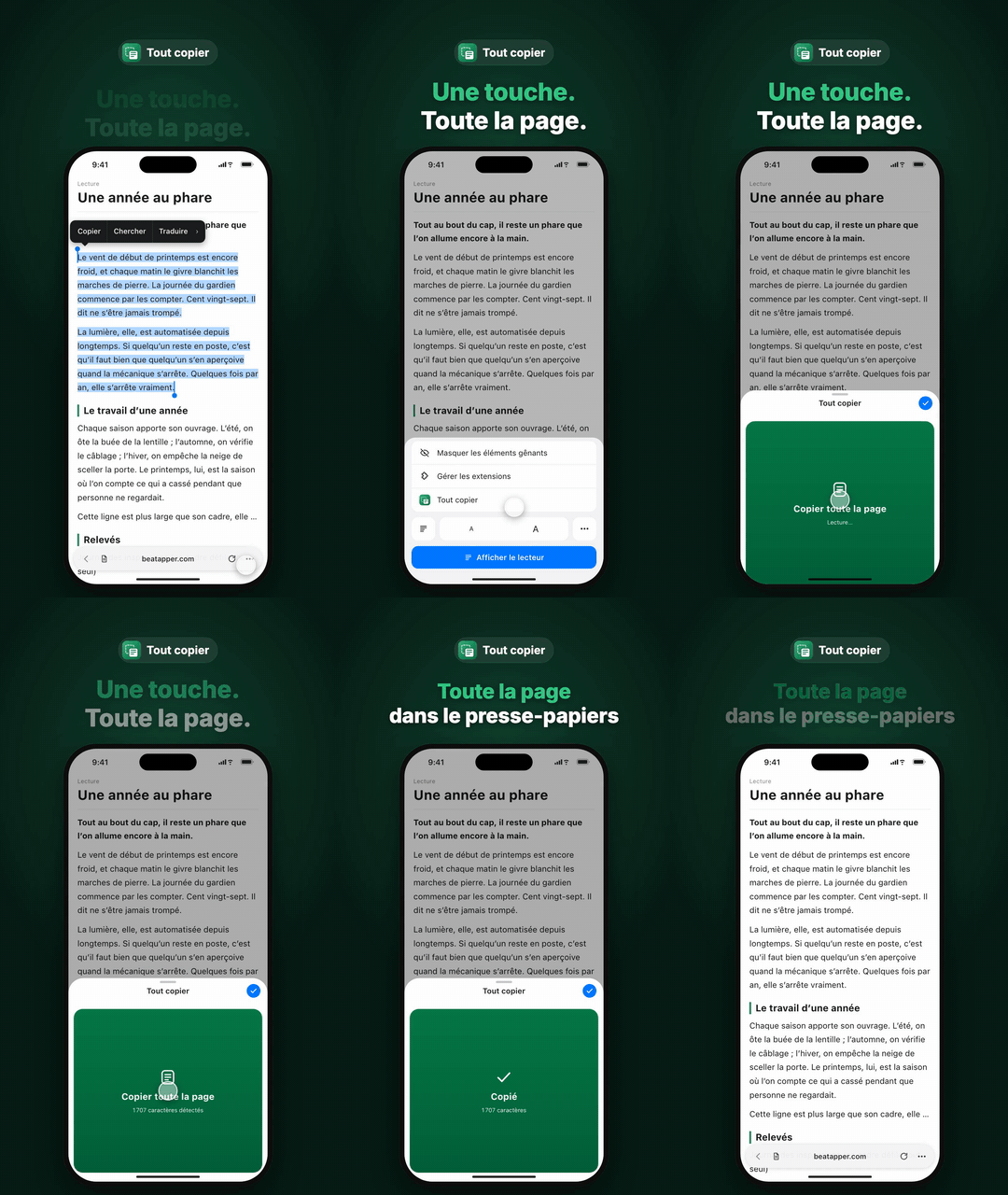
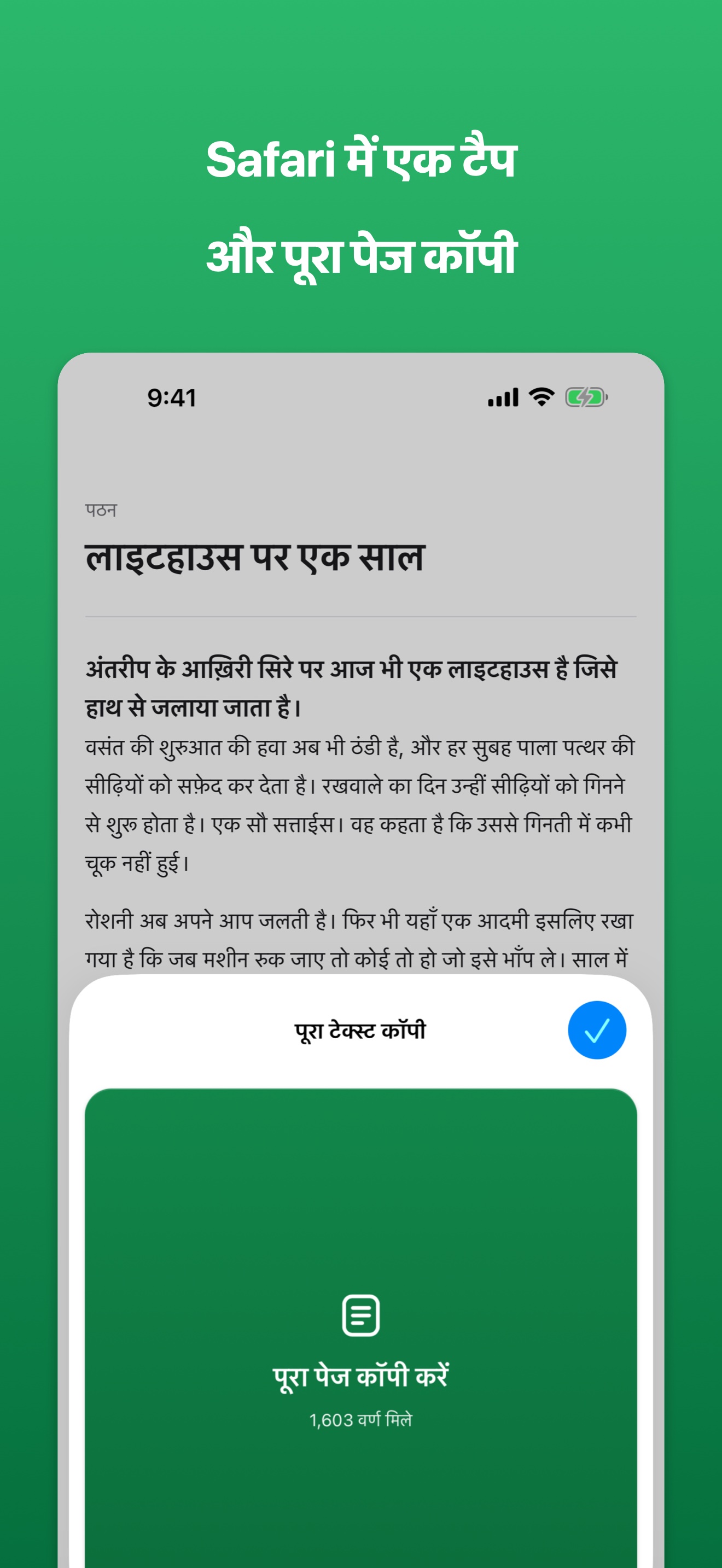
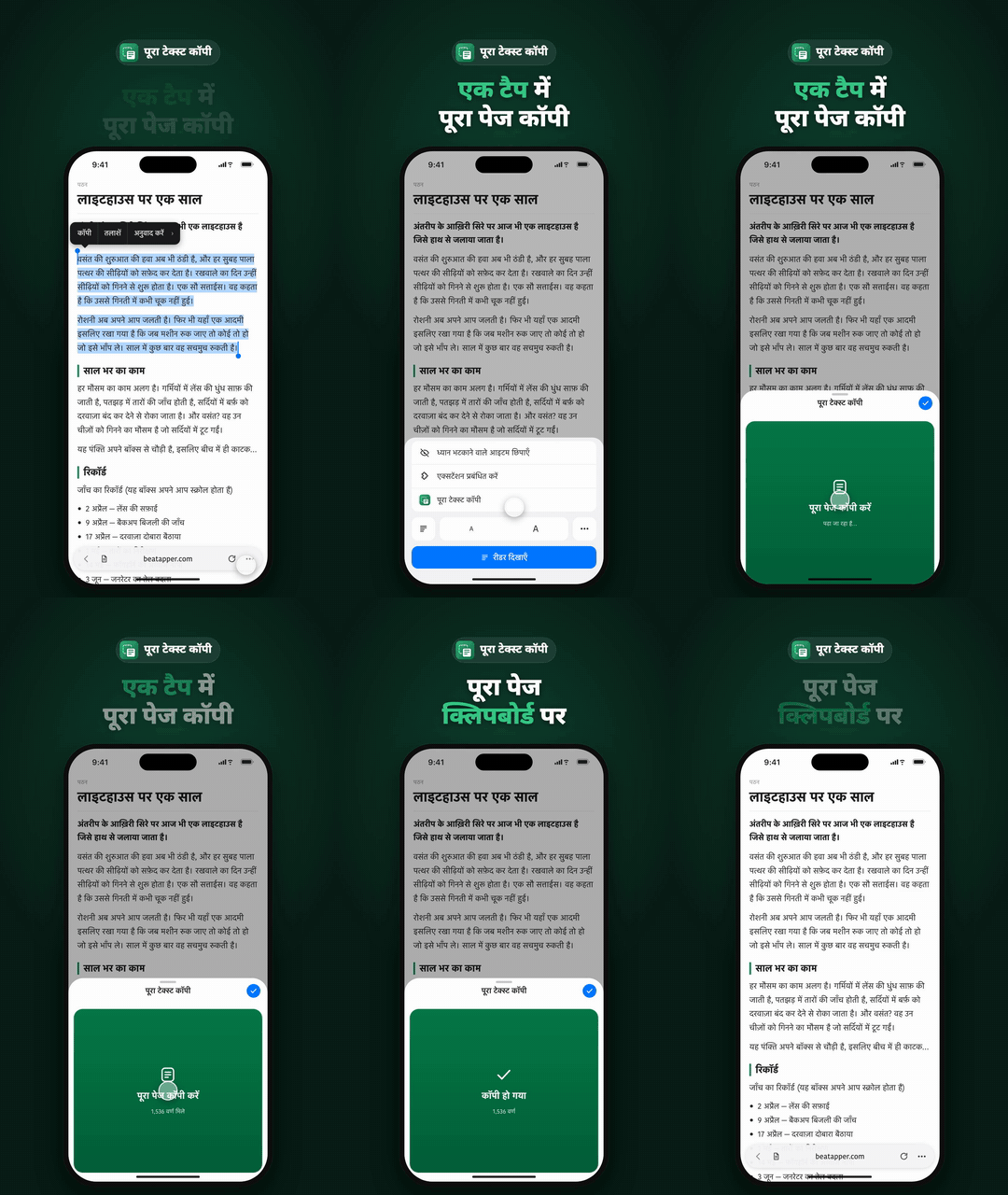
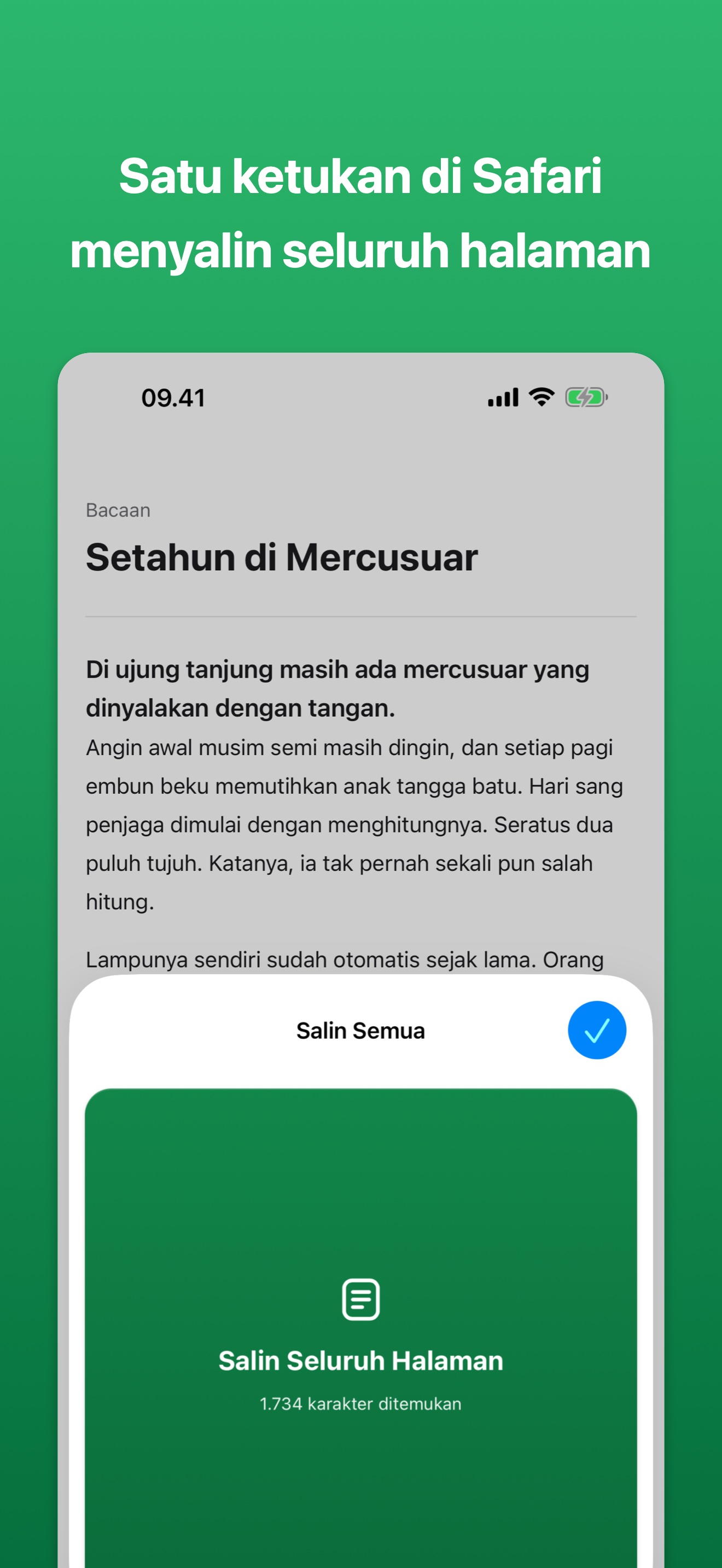
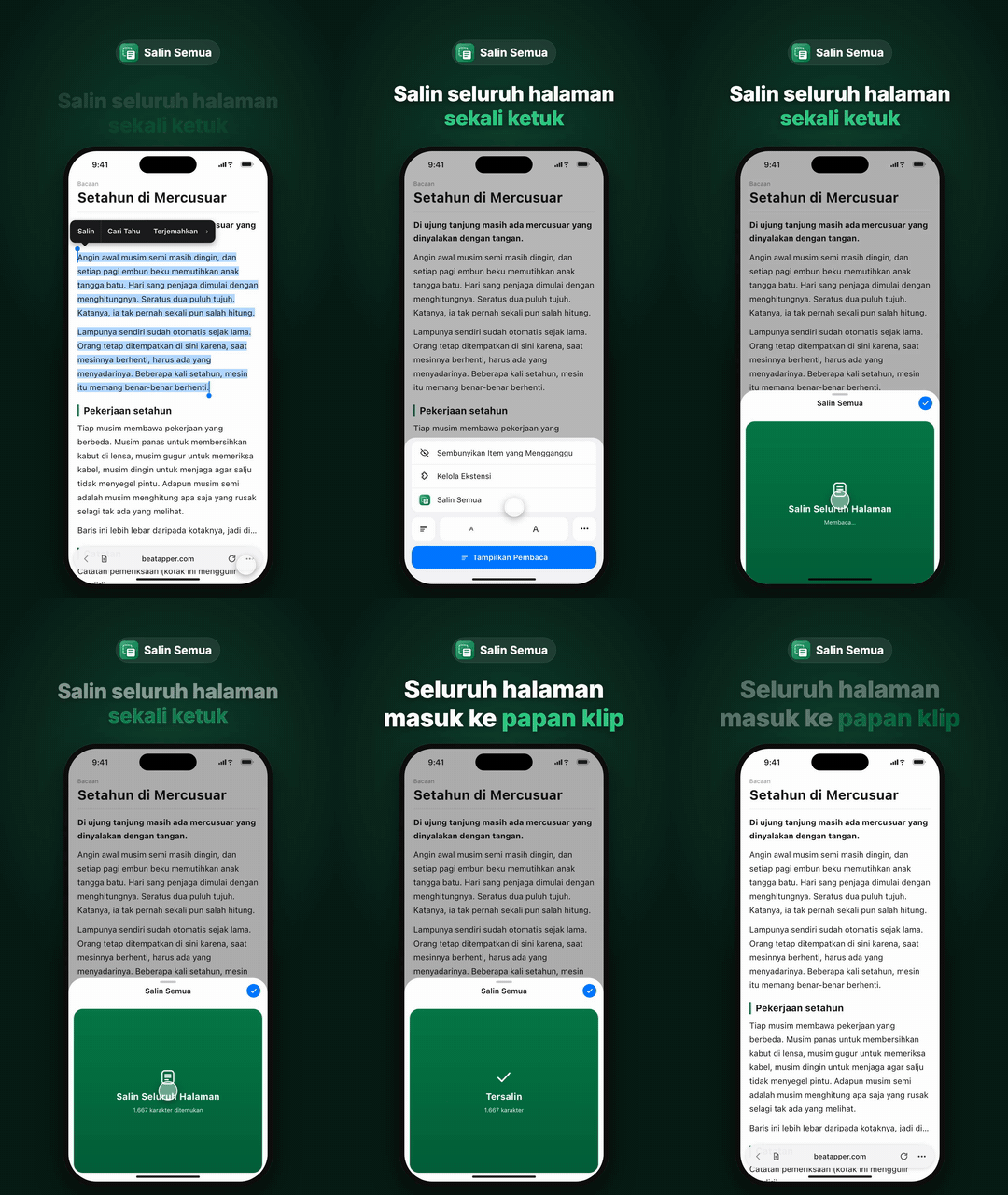
Safari on iPhone has no "Select All" for a whole web page. To copy a long article you have to touch and hold, then drag the selection handle all the way to the end. Copy All Text turns that into a single tap: open it from Safari's page menu and tap one big button. There are no settings.
It copies more than what's on screen: text you have to scroll to reach, text cut off inside its box, and the full text behind a "…". Tables come out tab-separated, so they paste straight into a spreadsheet. Typical uses are pasting a whole article into an AI chat to summarize it, saving it to notes, or running it through a translator.
What it can't copy
- Collapsed sections (expand them in Safari first, then copy)
- Frames embedded from other sites
- Text drawn inside images or a canvas
- Password and one-time-code fields (excluded on purpose)
We measured how much text it gets on five real sites and published the results. On ordinary pages it gets about the same amount as the browser's built-in method; only on pages built with Web Components did it get about 1.7× more.
A word from the developer
Since I started handing articles to AI, I found myself wanting to copy a whole page on my iPhone all the time. But Safari has no Select All, and every time I re-dragged the selection it slipped a little. I built this to make that one tap. What I care about most is that it works with no setup, and that the text it reads is never sent anywhere.
Coverage
None yet.
Contact
For interviews, materials, or a promo code to try the app, write to press@beatapper.com.